Free Business Card Maker with Modern Templates
Explore professional business card designs, customize ready-made business card templates, and generate business cards instantly with high-quality PDF or PNG downloads. No signup, no watermark, and completely free to use.
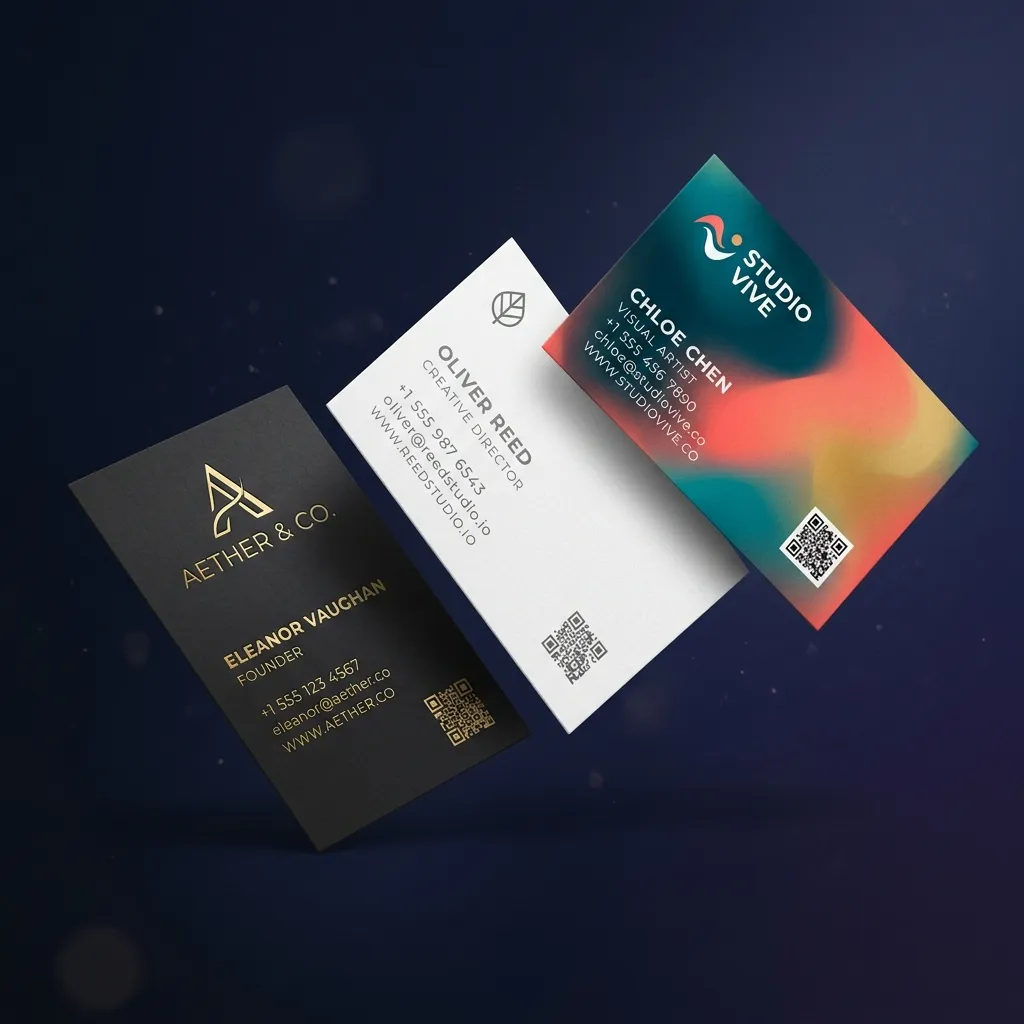
What is a Business Card Maker?
A business card maker is a digital tool that helps you design, customize, and print professional business cards without graphic design experience. These platforms provide templates, editing tools, and print-ready file downloads so anyone can create custom business cards in minutes.
Business card makers offer clear benefits: they save time compared to hiring a designer, keep costs low, provide professional templates for many industries, and include print-ready file specs so you can order cards with confidence.
Who uses a business card maker?
You can use a business card maker for networking events, client meetings, trade shows, retail store promotions, freelance marketing, corporate branding, and personal branding. These tools work for any profession.
Design to Print-Ready in 3 Simple Steps
No signups, no watermarks, and no software installations. Build high-fidelity standard cards completely in your browser.
Pick a Designer Preset
Choose from exactly 200 distinct templates across 10 specialized categories. Deduplicated and highly refined.
Input Info & Custom Logo
Fill in your details, drag layout objects freely on the grid, customize color hexes, and auto-link a live vector QR code.
Instant Print-Ready PDF
Export in crystal clear, vector-based 300 DPI equivalent captures. Perfect for printing companies or online attachment.
Customize Your Business Card
Fill in your details below, drag items to align, change colors, and download high-resolution print assets.
Loading Designer Canvas...
How to Make a Business Card
To make a business card, follow these 3 steps: choose a template, add your details, and download or print the final design.
Start with a Template
Browse the template library by industry, style, or color. Pick a layout that matches your brand's tone. Templates include placeholder text and images you can replace with your own content. Our library offers 200+ options for every profession, from real estate agents to photographers to tech founders.
Add Your Details
Replace placeholder text with your name, job title, company name, phone number, email, website, and physical address. Adjust font sizes and spacing to ensure readability. Add a QR code that links to your website, LinkedIn, or vCard so people can save your contact in one tap.
Download or Print
Choose your file format based on your printing method. For home printing, use PDF or JPEG. For commercial printing, select PDF with crop marks and bleed. For digital sharing, export as PNG. Most local print shops can print your cards within 24 hours. Online print services deliver in 2 to 3 business days.
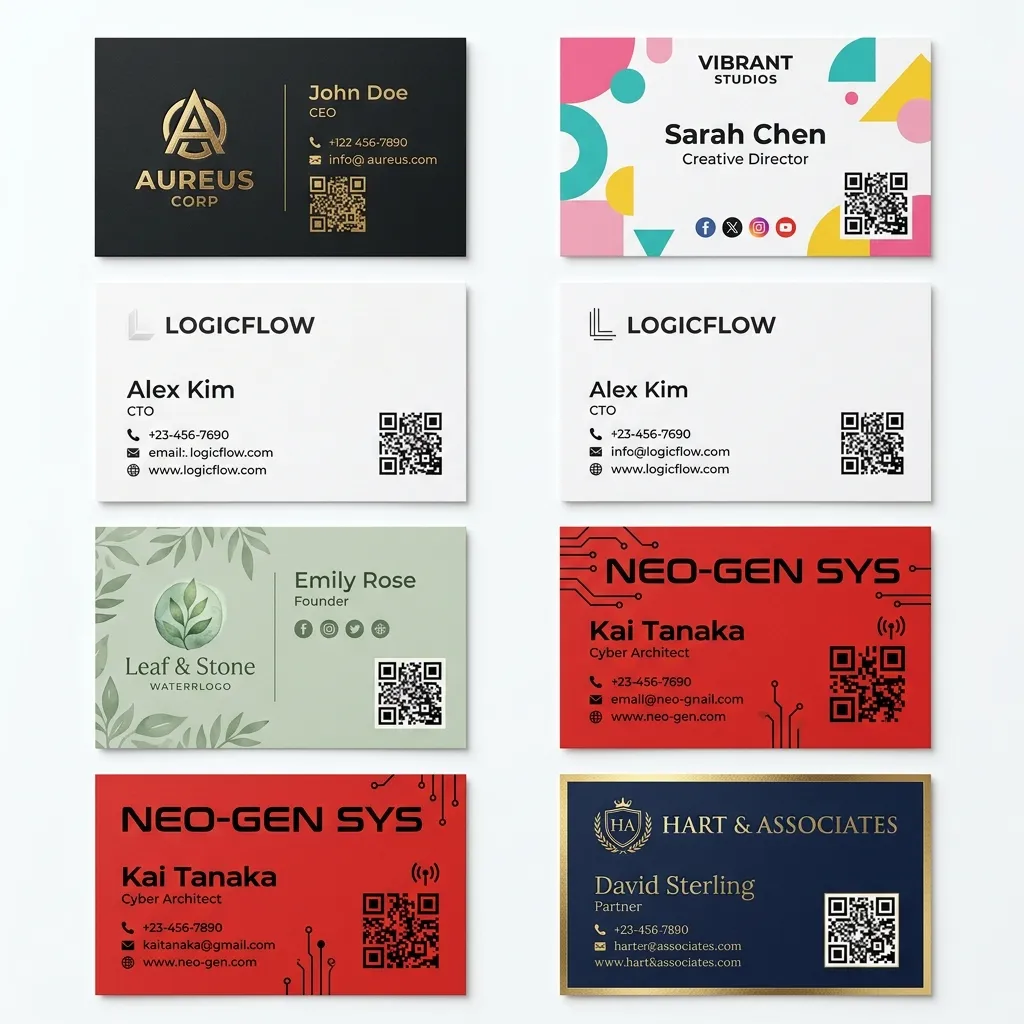
200+ Designs Across Every Industry
From luxury law firms to bold creative studios, our template library covers every profession. Each design is hand-crafted, print-ready, and instantly customizable.
The World's Best
AI Business Card
Generator
Describe your brand and get multiple layout options in seconds. We're building this now. Use the editor above to design cards today.
AI card generator is on the way
Design with templates in the editor while we finish this feature.
A canvas tool optimized for business cards
Forget bloated graphic design tools. BusinessCardMaker.net is built specifically for professional business cards, from design to print.
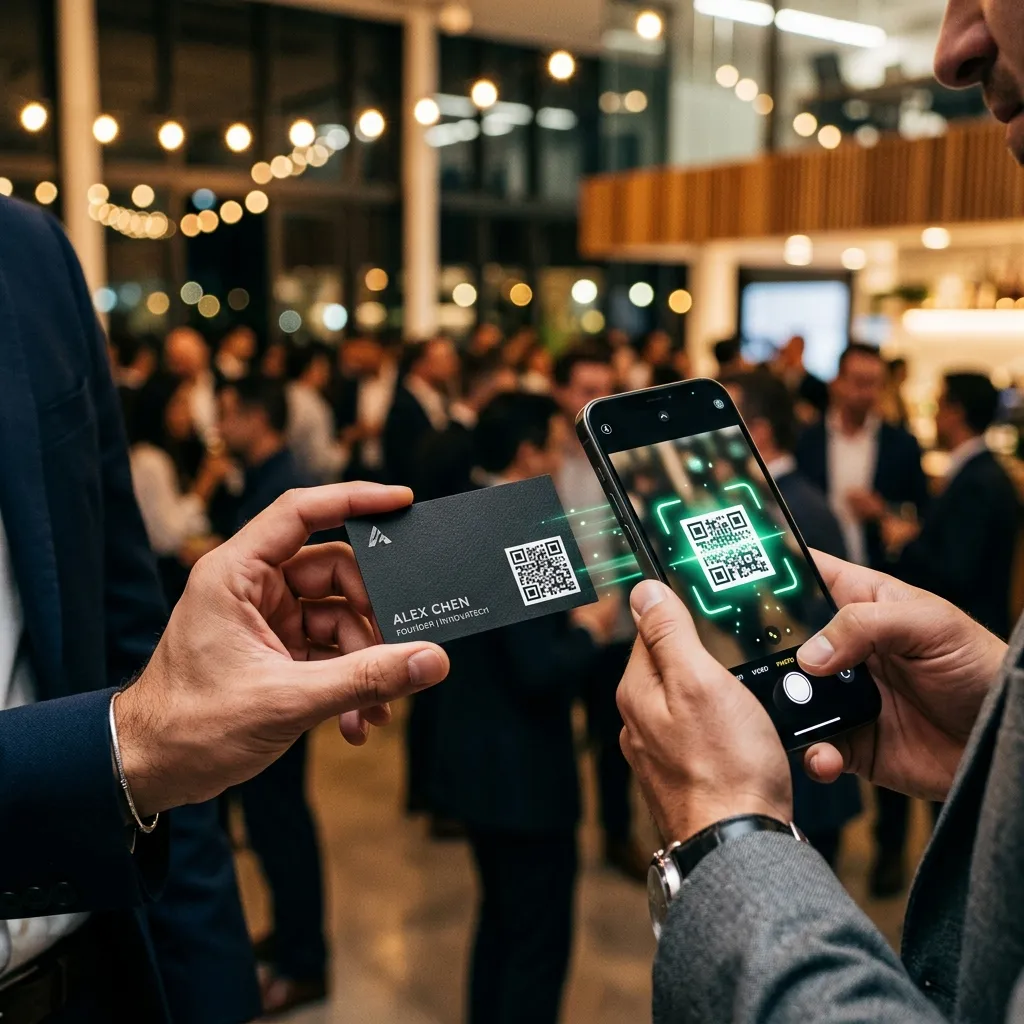
QR Codes That Actually Work at Print Size
Most tools drop a massive QR block onto a card and call it done. Our editor compresses your URL payload so the QR code can sit cleanly in a corner without wrecking your design, and it still scans perfectly at 3.5 inches wide.
- Links to your website, LinkedIn, or vCard
- Auto-optimized for small print sizes
- High contrast for reliable scanning
- Updates in real time as you type
Design It Here, Print It Anywhere
Download a high-resolution print file and take it to any local print shop or online print service. No special software needed. Our files include bleed margins and come in standard sizes that print shops recognize.
- SVG vector export, no quality loss at any scale
- 300 DPI PNG for digital and print use
- PDF with standard 3.5 x 2 inch dimensions
- Safe bleed zone included automatically
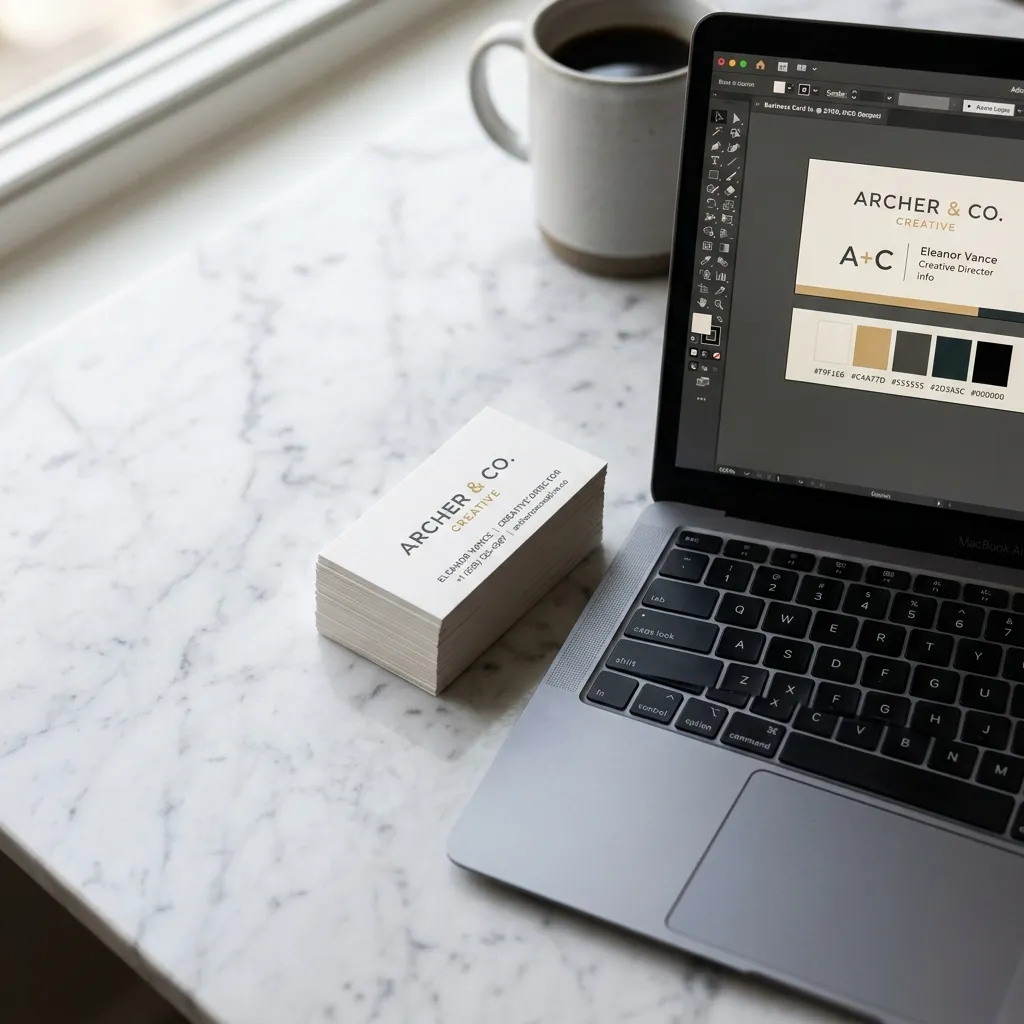
Features
Everything you need to build, download, and print a great business card. No paid plan, no hidden limits.
No Signup Required
Zero forms, no credit cards, and no annoying emails. Go straight to building and exporting your professional business cards.
Instant PNG & PDF Export
Generate vector-crisp 300 DPI equivalent captures for physical print shops or light web attachments in one click.
Dynamic QR Code Support
Your inputs generate live QR codes instantly on the card container, allowing physical recipients to connect in one scan.
Print-Ready Margins
Active dotted boundary markers specify the industry standard 1/8\" print bleed area to make sure alignment cuts stay clean.
Responsive Mobile Workspace
Designed to scale down fluidly on cellphones and tablets, letting you tweak contact details and download on the go.
Premium Templates
Instant layout selections curated for developers, SEO leaders, law attorneys, doctors, freelancers, and creative agencies.
AI Design Generator
Describe your brand, industry, and style. The AI generates complete card layouts with appropriate typography, spacing, and color schemes in seconds.
Both Sides Editor
Design the front and back of your card. Use the back for your logo, social media handles, tagline, QR code, or portfolio highlights.
Digital Business Card
Export your design as a digital business card for sharing via email, text, or social media. Digital cards include clickable links and work on any device.
Make Your Brand Shine
Every profession, style, and use case has a matching template. Filter by industry to find the right design for your brand.
By Industry
Industry-specific templates ensure your card meets professional standards for your field.
By Style & Theme
Match your card style to your brand personality. Each style signals something different to your recipient.
By Use Case
Different networking situations call for different card designs. Pick the one that matches where you hand out cards.
Director of Cyber Security
Zero Cutting Accidents, Perfect Alignment Guaranteed
When paper cards are cut at scale, physical blade shifts of up to 1/16th of an inch can occur. Without bleed precautions, this leads to white paper borders or clipped business text.
1/8" Safety Bleed Border
Our editor includes an active toggleable grid displaying standard bleed lines. Make sure your card backgrounds expand completely to the outermost edge to prevent borders.
Precision Physical Trim Cuts
The definitive boundary representing the final 3.5 inches by 2.0 inches dimensions of the manufactured paper card.
Safe Content Margin Constraint
Keep critical headers, logos, phone credentials, and QR codes inside the inner margin (3.25" x 1.75") to remain perfectly centered and completely protected.
Paper Stock and Finishes
Download your design and take it to any print shop. Here is what each paper stock and finish option means for your cards.
Paper Stock Options
Finish Options
Card Orientation Guide
Used by many freelancers and small teams
A few notes from people who designed cards here. We don't publish inflated ratings or made-up customer counts.
“I designed and downloaded my business card in under 8 minutes. The QR code linked straight to my portfolio. My clients are always impressed when they scan it. No signup needed, which was the biggest plus for me.”
“I tried four other tools before this one. The bleed guides and print-ready PDF were exactly what my print shop needed. The template selection for real estate is excellent. Highly recommend.”
“Picked a template, dropped in our logo and contact details, and exported a PDF the same afternoon. Our print shop had no issues with the file. Took about ten minutes start to finish.”
Frequently Asked Questions
Got questions about printing ratios, file safety, or customization bounds? Find answers below.
Complete Business Card Guide
Everything you need to design, customize, and print professional business cards: sizes, formats, QR codes, and brand tips.
How to make high-quality, print-ready business cards online
Creating standard card layouts has historically been complex, requiring expensive publishing suites. With BusinessCardMaker.net, we have simplified the process. Our custom editor combines standard physical specs, specifically the 3.5 inch by 2 inch aspect ratio, with high-end styling coordinates to provide a premium finish.
Designing custom business cards online takes less than 10 minutes with our editor. Start by selecting a template that matches your industry, then customize colors, fonts, and layout to fit your brand. The editor requires zero design skills.
QR Code Business Cards vs. Classic Standard Cards
Modern networking demands both tangible paper weight and an easy online connection. Incorporating a dynamic QR code on standard paper business cards is the ultimate solution. A client can touch your card, scan the high-contrast code with their camera, and instantly access digital portals.
Our free platform includes a fully integrated QR code builder. Simply provide your website links or vCard data, and the canvas generates a high-contrast responsive code in real time. It is perfect for modern tech startups, creative designers, and consultants alike.
Design a business card that reflects your brand
Your business card should reflect your brand identity, not just list contact information. Start with your brand colors and logo, then choose fonts that match your industry. Add custom shapes, background patterns, or photo areas to make the card memorable.
The best card maker tools let you control every design element, from spacing to alignment to finish options. BusinessCardMaker.net gives you that pixel-level control with a simple drag-and-drop interface.
Print-ready from day one
Print-ready files include crop marks, bleed areas, and color profiles that commercial printers require. Standard business card size is 3.5 x 2 inches with a 0.125-inch bleed on all sides. The editor automatically applies these specifications so your cards print correctly the first time.
File formats include PDF, PNG, and JPEG with 300 DPI resolution. For home printing, use PDF or JPEG. For commercial printing, select PDF with crop marks and bleed. For digital sharing, export as PNG.